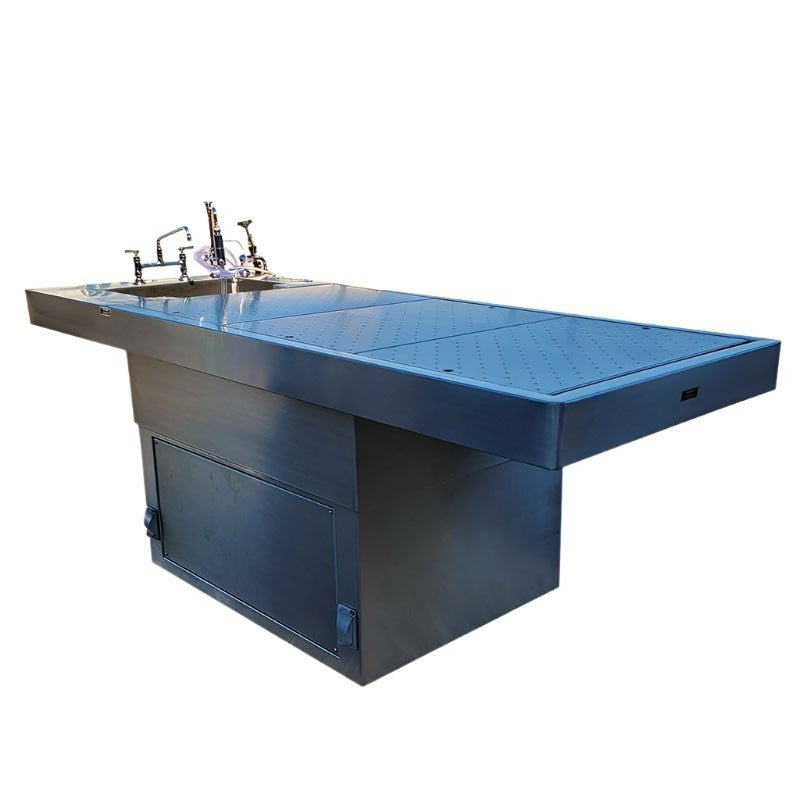

L-Shaped Elevating Autopsy Table
Review the listed model and configuration, then include its reference in your equipment request.

Your cart is empty
Browse mortuary coolers, freezers, cots and pathology equipment, then add the models you want to order or compare.
Shop by category
 ACH
ACH
Popular categories
Trending now Most ordered by funeral homes this season
Checkout securely
Your payment information is encrypted
Shop Autopsy & Mortuary Tables
Compare the actual equipment below, choose the required options and add an eligible configuration to your cart. Quote-only and configured systems retain their dedicated product path.
Resources
Compare the USPE L-shaped elevating autopsy table with related carts and workstation layouts. Review room access, utilities and custom configuration requests.
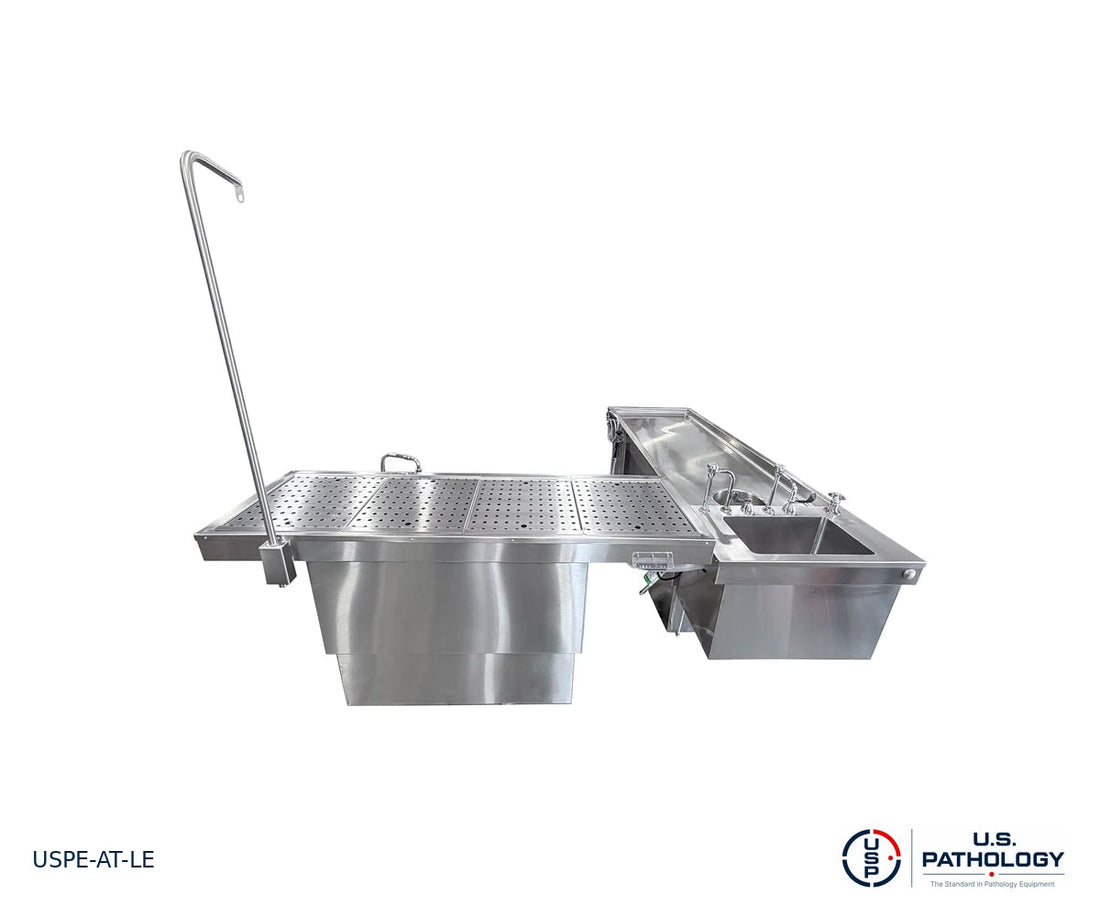
L-Shaped Elevating Autopsy Workstations

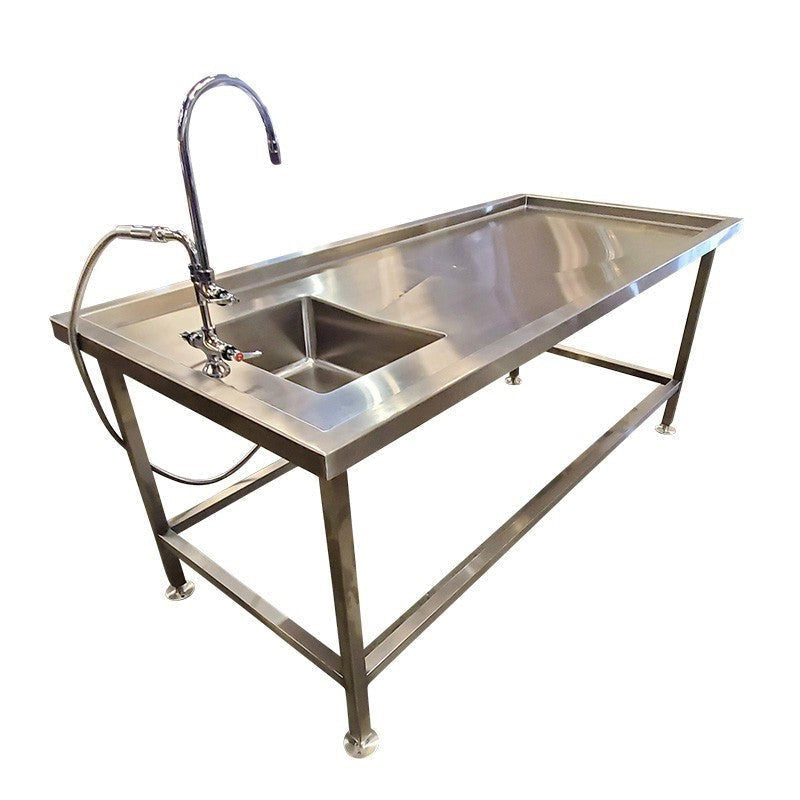
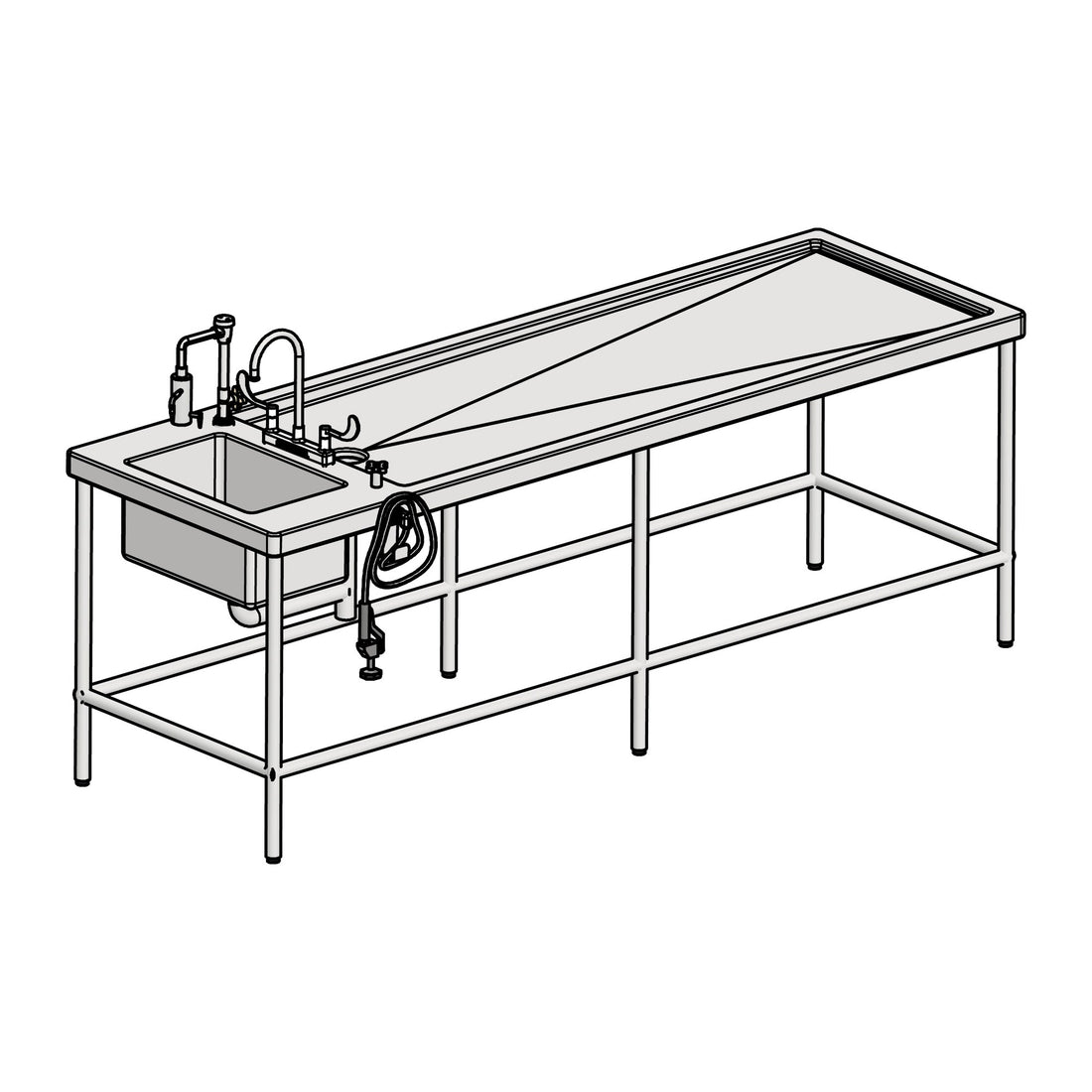
An L-shaped workstation combines an elevating examination area with an adjoining sink-side working area. Compare the actual USPE table, review the orientation on your room plan and select the supporting cart and storage equipment separately.
Quotes confirm the selected models, options and project scope.
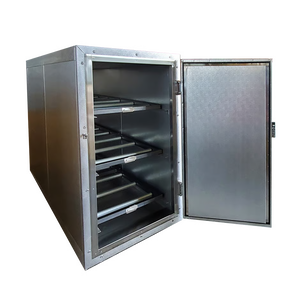
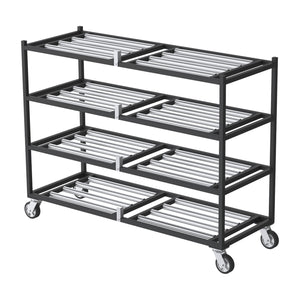
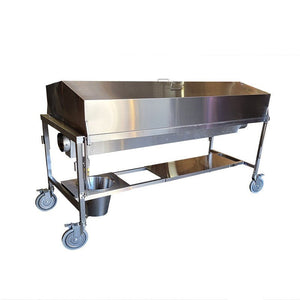
Compare the workstation with separately selected support carts. A cart or accessory is not automatically bundled with the table. These are equipment references, not a confirmation of fit or a list of automatically included options. Use each product page to compare the actual model.
Review the listed model and configuration, then include its reference in your equipment request.

Review the listed model and configuration, then include its reference in your equipment request.

Review the listed model and configuration, then include its reference in your equipment request.
The accepted quote must itemize the models, quantities, accessories, freight and installation scope. Trays, worktops, utility work and optional fittings are not assumed included unless specifically listed.
Review the adjoining examination and sink-side workspace, required wing orientation and elevating working position. The photo shows a configuration, not a promise that every pictured fitting is included.
Compare the L-shaped layout with a pedestal or integrated-sink table in Autopsy Tables. Consider the room footprint, approach direction and access needed for the actual procedure.
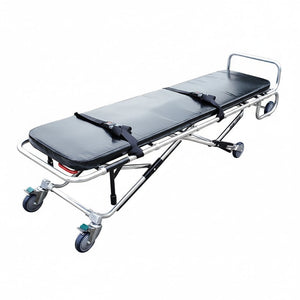
Compare a tilting cart, examination-top cart and tray chassis for the transfer task. Confirm dimensions, supported loads and transfer heights before selecting a cart for the workstation.
Start with the examination position and the sink-side work sequence. The wing orientation affects wall clearance, operator access and the cart approach, so it should be identified on the room drawing rather than inferred from the photograph. Confirm the required working-height range and control positions with the selected model, then review plumbing, electrical and ventilation requirements with the facility team.
Custom configurations are available for review. Include the requested changes with your room plan; the accepted quotation and approved drawings define the final equipment, materials, dimensions, ratings and interfaces.
Compare the adjacent equipment categories before finalizing the schedule. Open a product for its current configuration, or use the related guide to organize a larger project request.
Read the L-Shaped Elevating Autopsy Table planning guide · L-Shaped Elevating Autopsy Table · Compare equipment packages
The USPE L-Shaped Elevating Autopsy Table is an active quote-only product in Autopsy Tables. Open the product to review the actual photographs and configuration request; this page helps compare the room layout and supporting equipment.
State the requested left- or right-wing layout in your RFQ. Handedness, final dimensions, fittings and any custom changes require confirmation in the written quote and approved drawing.
Yes. Identify the model substitutions, quantities and required accessories in the RFQ. A package is a starting equipment schedule, not a fixed or preapproved installation.
Provide the equipment references, quantities, intended use, available room dimensions, known utilities and delivery ZIP code. Identify installation and delivery requirements separately so the written quotation can state its inclusions and exclusions.
Open the L-Shaped Elevating Autopsy Table to choose the available request options and add the model to your quote basket. Include supporting equipment, quantities and room dimensions in the same request. Your written quote confirms the final configuration and scope before an order is placed.
Start with the procedure, room and handling route, then compare the selected equipment against those requirements. U.S. Pathology Equipment brings related tables, stations and handling equipment into one selection path without treating every model as interchangeable.
Compare the selected model's working dimensions, height arrangement, access and listed fittings. Identify whether the project needs a table alone, a sink station, a grossing station or an integrated room package; a table name does not establish its ventilation performance or utility connections.
Compare autopsy tables, elevating and hydraulic autopsy tables, anatomy and dissection tables, autopsy and dissection sinks and grossing stations by the work each configuration is intended to support.
Open a USPE quote-only product to use its dedicated specification request. For a mixed equipment package, request an itemized pathology or anatomy-lab quote with the selected items; a quote request is not a checkout order or an instant engineering approval.
Use the ventilation planning checklist and drainage and wastewater checklist to organize questions for your facility team. These resources support planning, not a certification that a room or installation meets every applicable requirement.
List the selected models, quantities, accessories and delivery location. For a room project, add the available dimensions and known utility constraints so the equipment and facility requirements can be reviewed together.
No. Review the selected model's documented fittings and utility requirements. Have the responsible facility professionals confirm the room connections and any ventilation system required for the intended procedure.
Identify the first purchase and later quantities by location and intended purchasing period. Request separate line items for review, and reconfirm price, availability and delivery requirements before authorizing each phase.
One source for funeral supplies and mortuary equipment, with nationwide shipping. Review the Autopsy & Mortuary Tables selection, compare product specifications and current pricing, then order the configuration you need or request an itemized quote.
Need several items or delivery to more than one location? Include the models, quantities and delivery ZIP codes in your request. For general questions, contact customer support.
