



Shop Funeral Home Mortuary Coolers
Compare the actual equipment below, choose the required options and add an eligible configuration to your cart. Quote-only and configured systems retain their dedicated product path.
- Choose the equipment
- Select options and quantity
- Review your cart or itemized quote

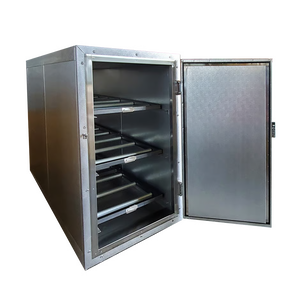
6x8 Walk-In Mortuary Refrigerator
 Estimated from
6x8 Walk-In Mortuary Refrigerator
$8825.0
Check financing
Equipment estimate. Approval required. Tax and delivery extra.
Configurable buildPO accepted
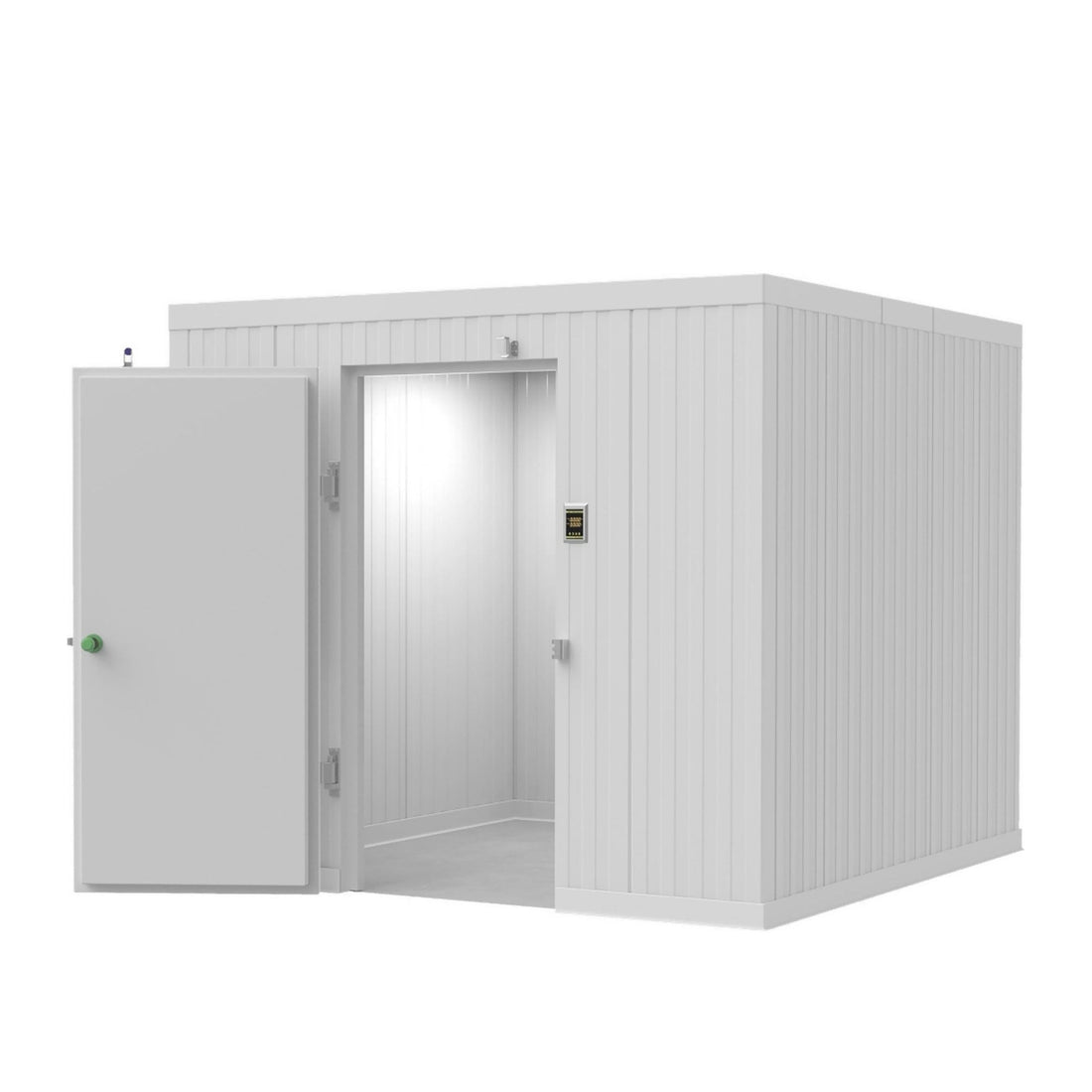
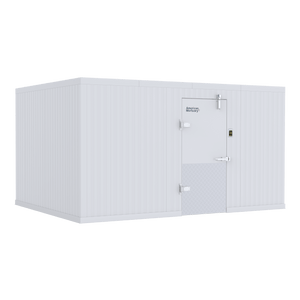
8x8 Walk-In Mortuary Refrigerator
Estimated from
8x8 Walk-In Mortuary Refrigerator
$10238.0
Check financing
Equipment estimate. Approval required. Tax and delivery extra.
Configurable buildPO accepted

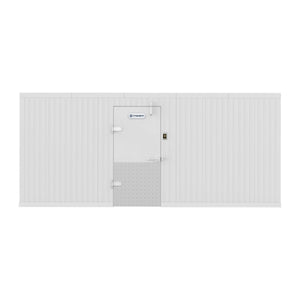
8x12 Walk-In Mortuary Refrigerator
Estimated from
8x12 Walk-In Mortuary Refrigerator
$11660.94
Check financing
Equipment estimate. Approval required. Tax and delivery extra.
Configurable buildPO accepted

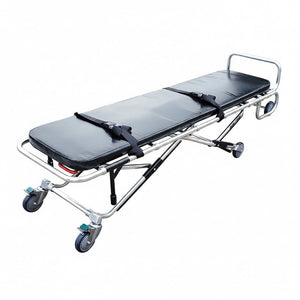
10x10 Walk-In Mortuary Refrigerator
Estimated from
10x10 Walk-In Mortuary Refrigerator
$11695.5
Check financing
Equipment estimate. Approval required. Tax and delivery extra.
Configurable buildPO accepted
Resources
Decedent Tracking and Mortuary Cooler Monitoring
Decedent tracking with Custoa barcode case tags plus HALO mortuary cooler temperature, door and power alerts. One custody record and one cooler log for every case.
Custoa tracking + HALO monitoring
Decedent Tracking and Mortuary Cooler Monitoring
Know who is in your care, exactly where they are, and whether the cooler holding them stayed in range. Custoa tracks every decedent by scanned case tag. HALO watches cooler temperature, doors and power around the clock.
See Custoa decedent trackingExplore HALO cooler monitoringCall 1-888-792-9315Decedent tracking and cooler monitoring answer two different questions. Tracking answers who is this, where are they, and who moved them. Monitoring answers what were the temperature, door and power conditions while they were there. Most facilities keep these on a whiteboard and a clipboard, checked by different people at different times. American Mortuary Coolers now covers both: Custoa for chain of custody, and HALO Monitoring for the refrigeration itself.
Custoa follows the decedent
A pre-printed Custoa case tag goes on at first call. Every hand-off after that is a scan: removal, intake, cooler space, prep room, dressing, casketing, crematory and release.
HALO watches the cooler
HALO logs chamber temperature continuously and sends text and email alerts when a unit drifts out of range, a door is left open or power drops.
Every space has an address
Coolers, racks, tiers and spaces carry their own scannable labels, so the record says "Cooler 2, Rack B, Space 4," not just "in the cooler."
Records hold up to questions
Custoa entries are added, never edited or deleted. HALO keeps time-stamped temperature logs you can export for inspections.
What decedent tracking means in practice
Decedent tracking is the record of every person in your care from first call to final disposition: identity, location, who handled them, what paperwork is on file, and what belongings came with them. Paper logs and whiteboards record where someone was supposed to be. Scan-based tracking records where they actually were, because the record only changes when someone scans the tag at the new location.
With Custoa, a move takes three scans: where the decedent is, their case tag, and where they are going. Custoa checks the tag against a second identifier such as a hospital band or ME number, and key steps require two different employees on two different phones. Release, cremation or burial stays locked until identity, paperwork and holds clear. Read the full sequence on how Custoa verification works.
Why the cooler matters to the custody record
A custody log can prove a decedent was in Cooler 2 overnight. It cannot prove Cooler 2 held 34-38°F while they were there. A cooler log can show a door stood open for eleven minutes at 2 a.m., but not which cases were inside. Running both systems gives you the custody record from Custoa and the environmental record from HALO for the same cooler and the same hours, so a family, an inspector or an attorney can get a straight answer.
| Question | Answered by |
|---|---|
| Is this the right person? | Custoa case tag matched to a second ID |
| Which cooler, rack and space are they in? | Custoa location labels on every space |
| Who moved them, and when? | Custoa scan history with named staff |
| Did the cooler stay in range? | HALO continuous temperature log |
| Was there a door-open or power event? | HALO door and power alerts |
| Is it cleared for cremation or release? | Custoa document gate and disposition lock |
Modern, user-friendly technology for funeral home and morgue operations
Revolutionizing funeral home management does not require replacing everything you run. Custoa adds scan-based custody beside your current software, and HALO adds remote monitoring to your current coolers. Staff learn both in a single shift.
Built around the coolers you already run
HALO is designed to work with existing walk-in mortuary coolers and upright body coolers, including other brands. Custoa labels your actual layout: you enter coolers, racks and spaces in the layout builder, and the labels arrive printed. You never print anything yourself. See Custoa tags and labels.
Who uses decedent tracking
- Funeral homes and mortuaries, from first call through service and release
- Crematories that need a verified identity before every cremation
- Hospital morgues handing decedents to outside funeral homes
- Coroner and medical examiner offices holding cases under investigation
- Removal and transport services moving decedents between facilities
Frequently asked questions
What is decedent tracking?
Decedent tracking is a record of each person in a facility's care from first call to final disposition, including identity, location, who handled them, paperwork and personal effects. Scan-based systems like Custoa update the record only when a staff member scans the case tag at a new location.
Do I need both Custoa and HALO?
No. They work on their own. Custoa covers custody and identity. HALO covers cooler temperature, door and power alerts. Facilities that want to show both where a decedent was and what conditions they were kept in use both.
Does Custoa work with my current funeral home software?
Yes. Custoa covers chain of custody only and runs beside whatever case management software you already use. You do not have to switch platforms.
Who prints the tags?
Custoa prints and ships every case tag sheet and location label from Custoa HQ, already assigned to your organization. No label printer or label software is needed.
Is Custoa available now?
Sign-up, facility and cooler layouts, and team roles are live. Case-tag scanning, the verification checks and tag kits are rolling out. Custoa lists exactly what is available on its How It Works page.
Related pages
- Custoa decedent tracking software
- Custoa by American Mortuary Coolers
- Modern funeral management software
- Mortuary and crematory management software
- Funeral home body tracking software
- Barcode tracking guide for funeral homes
- HALO mortuary cooler monitoring
- Mortuary cooler alarm systems
- Morgue, cadaver and tissue temperature monitoring
- Walk-in mortuary coolers
- Body identification tags
Compare cold storage around the space and loading plan
Start with the equipment you need to move into storage, the usable room dimensions and the available access route. An upright refrigerator, a roll-in cooler and a walk-in system are different configurations; compare their actual listings before choosing.
- Capacity and access: confirm the listed storage arrangement and loading direction.
- Fit: compare exterior and usable dimensions, door clearance and the delivery route.
- Configuration: identify refrigeration, floor, rack and tray selections separately.
- Project scope: confirm utilities, delivery requirements and the applicable written warranty.
Plan a phased mortuary-cooler replacement
Start with an inventory of the equipment in service, its dimensions and the workflow that must stay available during replacement. Identify the units needed first, the interfaces that must remain compatible and the later phases you want to budget. Separate a planning quantity from an approved purchase.
- For each phase, identify the model or specification, quantity, delivery location and intended purchasing period.
- Record dependencies such as door clearances, loading direction, transfer height, tray size, floor conditions and utilities where relevant.
- Request separate line items for equipment and selected accessories so the order can be reviewed by location and fiscal period.
- Review quote validity, current availability and delivery requirements before approving each phase; a planning quote is not a promise of a fixed future price.
Request a phased equipment or multi-location quote with the first purchase and later requirements clearly identified. Use the same approach for an independent facility, a public department or a corporate equipment-replacement program.
For several products or locations, request an itemized Funeral Home Mortuary Coolers quote with selected models, quantities and delivery ZIP codes. Use general customer support for selection questions, and review the written warranty terms before ordering.
Plan year-end equipment purchases around the actual equipment and timing
Review current catalog prices, choose the required configuration and separate the first purchase from later replacement phases. Build an itemized priced quote, or request a formal equipment quote with quantities, locations and your purchasing period. Request written price validity rather than assuming an unannounced future price increase or an additional sale discount.
Can Section 179 affect an equipment purchase?
For tax years beginning in 2026, IRS Revenue Procedure 2025-32 sets a maximum Section 179 expense deduction of $2,560,000, reduced when qualifying property placed in service exceeds $4,090,000. These are statutory limits, not a promise that this purchase or every buyer qualifies.
The IRS explains that property is generally placed in service when ready and available for its specific use. Eligibility, business use, taxable income and other requirements matter; ordering, financing or paying before year-end does not by itself establish a deduction. Confirm treatment and timing with your tax professional before relying on a tax benefit.
Use our 2026 Section 179 planning guide and illustrative calculator alongside the selected model's requirements. Confirm freight, installation responsibilities and availability separately; a year-end planning request is not a delivery guarantee.
Compare your options. Choose your next step.
One source for funeral supplies and mortuary equipment, with nationwide shipping. Review the Funeral Home Mortuary Coolers selection, compare product specifications and current pricing, then order the configuration you need or request an itemized quote.
- Choose the modelCompare the details against the work you need to do.
- Set your quantitiesReview the selected options and equipment subtotal.
- Buy or request a quoteReview freight, tax and available payment terms separately.
Need several items or delivery to more than one location? Include the models, quantities and delivery ZIP codes in your request. For general questions, contact customer support.