
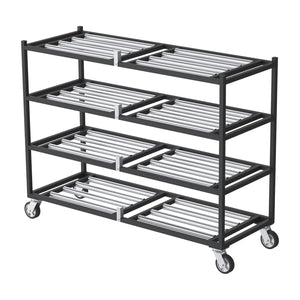
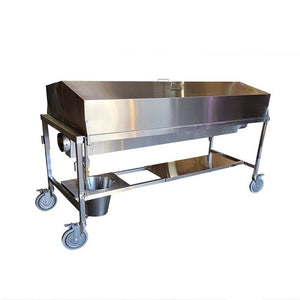



Shop Funeral Home Mortuary Coolers
Compare the actual equipment below, choose the required options and add an eligible configuration to your cart. Quote-only and configured systems retain their dedicated product path.
- Choose the equipment
- Select options and quantity
- Review your cart or itemized quote

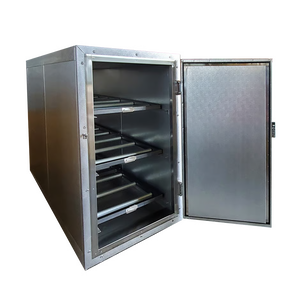
6x8 Walk-In Mortuary Refrigerator
 Estimated from
6x8 Walk-In Mortuary Refrigerator
$8825.0
Check financing
Equipment estimate. Approval required. Tax and delivery extra.
Configurable buildPO accepted
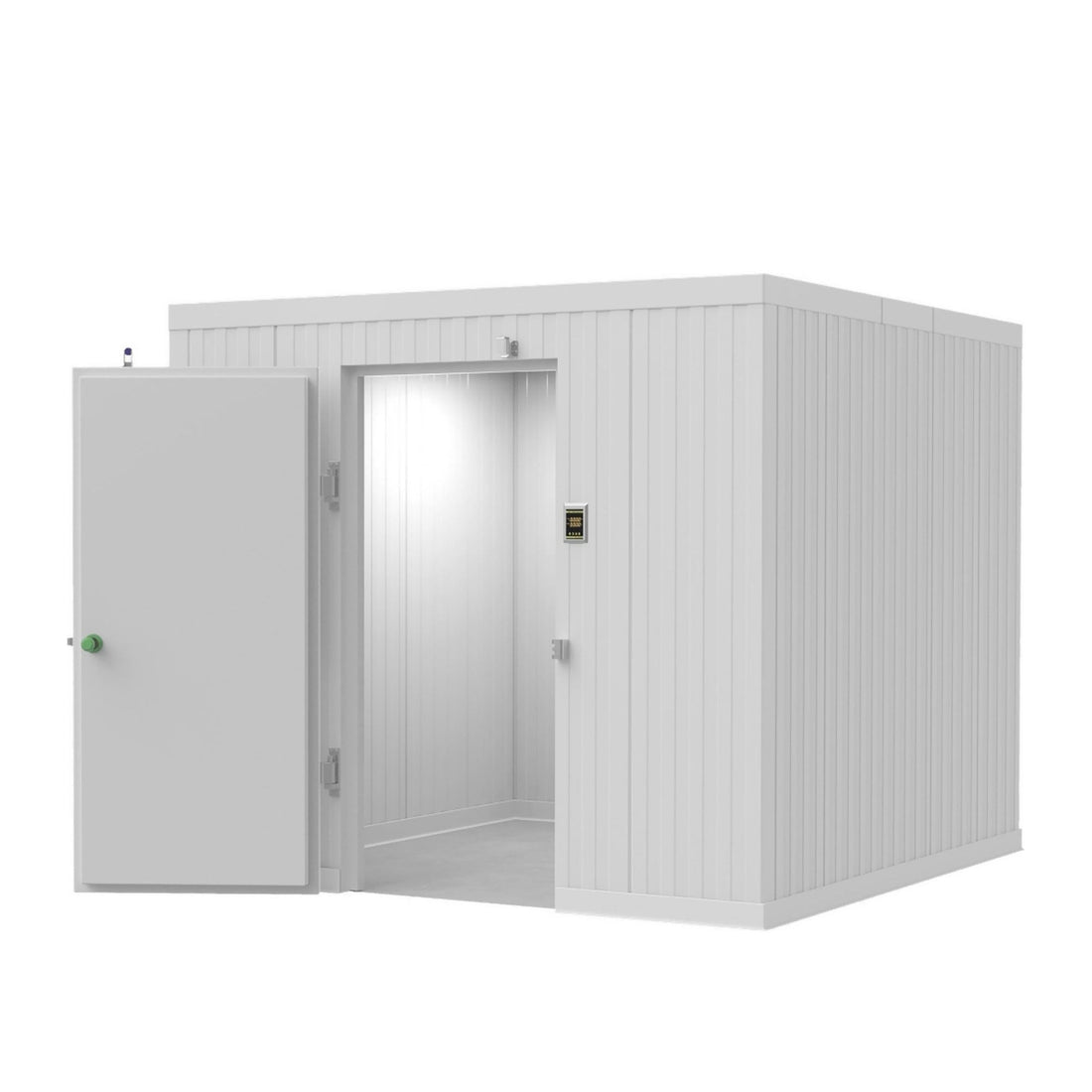
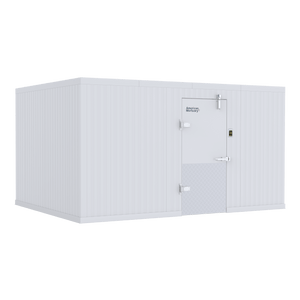
8x8 Walk-In Mortuary Refrigerator
Estimated from
8x8 Walk-In Mortuary Refrigerator
$10238.0
Check financing
Equipment estimate. Approval required. Tax and delivery extra.
Configurable buildPO accepted

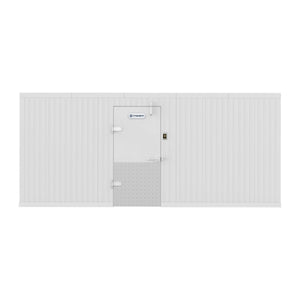
8x12 Walk-In Mortuary Refrigerator
Estimated from
8x12 Walk-In Mortuary Refrigerator
$11660.94
Check financing
Equipment estimate. Approval required. Tax and delivery extra.
Configurable buildPO accepted

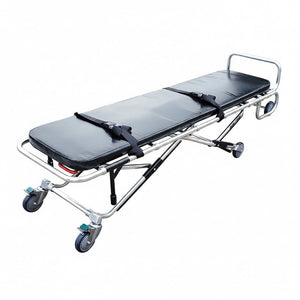
10x10 Walk-In Mortuary Refrigerator
Estimated from
10x10 Walk-In Mortuary Refrigerator
$11695.5
Check financing
Equipment estimate. Approval required. Tax and delivery extra.
Configurable buildPO accepted
Resources
Funeral Home Body Tracking Software
Body tracking software for funeral homes with pre-printed barcode and QR case tags, cooler space labels, belongings tracking and a release lock. See Custoa.
Barcode and QR decedent tags
Funeral Home Body Tracking Software
Body tracking software replaces the whiteboard with a scan at every hand-off. Here is how barcode and QR body tracking works, what to require, and how Custoa does it.
See Custoa body trackingQR code body tracking explainedHow barcode body tracking works
Each decedent gets a tag with a unique code at first call. Every location in the building, from each cooler space to the prep room and viewing room, gets its own code too. When staff move a decedent, they scan the tag and the new location, and the software records the time and who did it. The result is a complete movement history that nobody has to reconstruct from memory.
Barcode vs QR vs RFID
| Type | How it is read | Good to know |
|---|---|---|
| 1D barcode | Scanner or phone camera | Familiar, but holds little data and needs a clean, flat surface |
| QR / 2D code | Any phone camera | Reads at angles and when partly damaged, so it suits bracelets and bags |
| RFID | Dedicated readers and antennas | No line of sight needed, but adds hardware cost at every doorway |
Custoa uses camera-read codes on case tags, item labels and location labels, so any staff phone is the scanner.
What to require in body tracking software
- Tags that survive refrigeration, moisture and handling
- Labels on every cooler, rack and space, not just rooms
- A second identifier checked at intake
- Two-person verification at key steps
- Belongings and clothing tied to the case
- Offline scanning for coolers, garages and removal vehicles
- A lock before cremation or release
Custoa: modern, user-friendly body tracking
Custoa body tracking software ships each case as one pre-printed sheet: a control code, an ankle bracelet with extension, and numbered Universal Tags for clothing, effects and containers. Scan the control code to activate the sheet, then each label as it goes on. The app shows a red frame until a code lines up and green when it reads. Learn more about QR code body tracking, personal effects tracking and decedent ID tags.
Organizing the cooler first makes tracking easier. See mortuary cooler organization and our walk-in mortuary coolers.
Frequently asked questions
What is body tracking software?
Body tracking software records each decedent's location and every hand-off by scanning a tag on the decedent and a code at each location, building a time-stamped history with the staff member responsible.
Is QR or barcode better for decedent tracking?
QR codes read at angles and when partly damaged, which suits bracelets and bags. Both can be read by a phone camera. RFID avoids line of sight but needs readers at doorways.
Do I need a label printer for Custoa?
No. Custoa prints and ships all case tag sheets and location labels already assigned to your organization.
Does body tracking work in a cooler with no signal?
Custoa stores each scan on the phone with its original time and syncs when signal returns.
Related pages
- Custoa decedent tracking software
- Custoa by American Mortuary Coolers
- Decedent tracking and cooler monitoring
- Modern funeral management software
- Mortuary and crematory management software
- Barcode tracking guide for funeral homes
- HALO mortuary cooler monitoring
- Mortuary cooler alarm systems
- Morgue, cadaver and tissue temperature monitoring
- Walk-in mortuary coolers
- Body identification tags
Compare cold storage around the space and loading plan
Start with the equipment you need to move into storage, the usable room dimensions and the available access route. An upright refrigerator, a roll-in cooler and a walk-in system are different configurations; compare their actual listings before choosing.
- Capacity and access: confirm the listed storage arrangement and loading direction.
- Fit: compare exterior and usable dimensions, door clearance and the delivery route.
- Configuration: identify refrigeration, floor, rack and tray selections separately.
- Project scope: confirm utilities, delivery requirements and the applicable written warranty.
Plan a phased mortuary-cooler replacement
Start with an inventory of the equipment in service, its dimensions and the workflow that must stay available during replacement. Identify the units needed first, the interfaces that must remain compatible and the later phases you want to budget. Separate a planning quantity from an approved purchase.
- For each phase, identify the model or specification, quantity, delivery location and intended purchasing period.
- Record dependencies such as door clearances, loading direction, transfer height, tray size, floor conditions and utilities where relevant.
- Request separate line items for equipment and selected accessories so the order can be reviewed by location and fiscal period.
- Review quote validity, current availability and delivery requirements before approving each phase; a planning quote is not a promise of a fixed future price.
Request a phased equipment or multi-location quote with the first purchase and later requirements clearly identified. Use the same approach for an independent facility, a public department or a corporate equipment-replacement program.
For several products or locations, request an itemized Funeral Home Mortuary Coolers quote with selected models, quantities and delivery ZIP codes. Use general customer support for selection questions, and review the written warranty terms before ordering.
Plan year-end equipment purchases around the actual equipment and timing
Review current catalog prices, choose the required configuration and separate the first purchase from later replacement phases. Build an itemized priced quote, or request a formal equipment quote with quantities, locations and your purchasing period. Request written price validity rather than assuming an unannounced future price increase or an additional sale discount.
Can Section 179 affect an equipment purchase?
For tax years beginning in 2026, IRS Revenue Procedure 2025-32 sets a maximum Section 179 expense deduction of $2,560,000, reduced when qualifying property placed in service exceeds $4,090,000. These are statutory limits, not a promise that this purchase or every buyer qualifies.
The IRS explains that property is generally placed in service when ready and available for its specific use. Eligibility, business use, taxable income and other requirements matter; ordering, financing or paying before year-end does not by itself establish a deduction. Confirm treatment and timing with your tax professional before relying on a tax benefit.
Use our 2026 Section 179 planning guide and illustrative calculator alongside the selected model's requirements. Confirm freight, installation responsibilities and availability separately; a year-end planning request is not a delivery guarantee.
Compare your options. Choose your next step.
One source for funeral supplies and mortuary equipment, with nationwide shipping. Review the Funeral Home Mortuary Coolers selection, compare product specifications and current pricing, then order the configuration you need or request an itemized quote.
- Choose the modelCompare the details against the work you need to do.
- Set your quantitiesReview the selected options and equipment subtotal.
- Buy or request a quoteReview freight, tax and available payment terms separately.
Need several items or delivery to more than one location? Include the models, quantities and delivery ZIP codes in your request. For general questions, contact customer support.